 PlaySuper
Account & Game Setup
Sign in, create your organization and game, configure a coin, and generate your API key
Account & Game Setup
Follow these five steps to get your API key. Each step builds on the previous one.
1. Sign in
Go to the PlaySuper Console and sign in with your Google account.
2. Create your organization
Open the Organization tab and create a game studio. You can invite team members through the Invite Users option on the same page.
3. Create a game
Navigate to the Games section and click Create Game. Enter your game's name, upload a logo, and fill in the remaining details.
4. Create a coin
Open the Coins section and create a coin for your game. Configure three settings:
- Conversion rate — how much real-world value one coin represents
- Expiry date — when unused coins expire (optional)
- Organization-wide — whether this coin is shared across all games in your studio
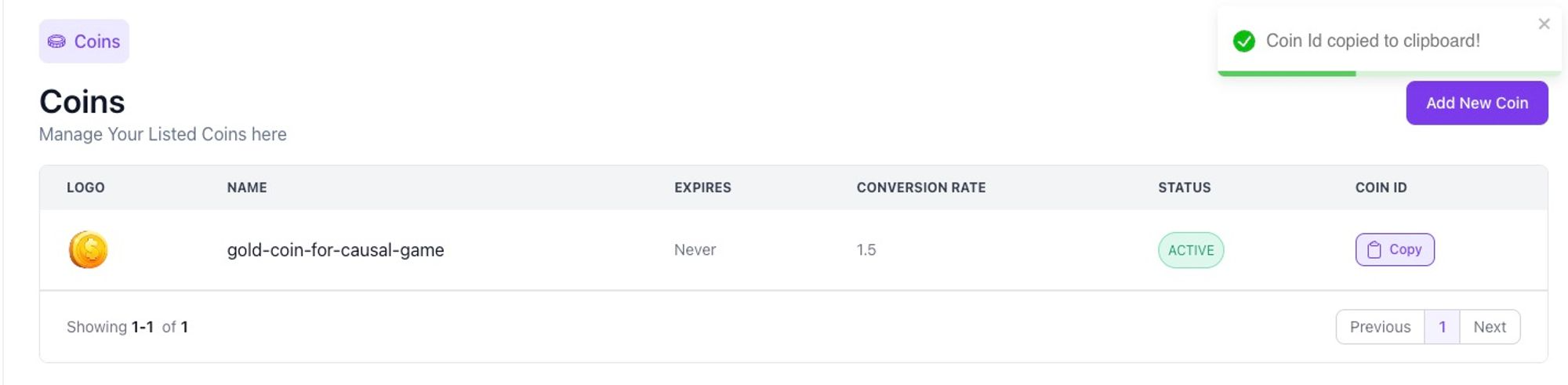
Copy the coinId that appears after saving — you will need it for every distribute or purchase call.
5. Generate your API key
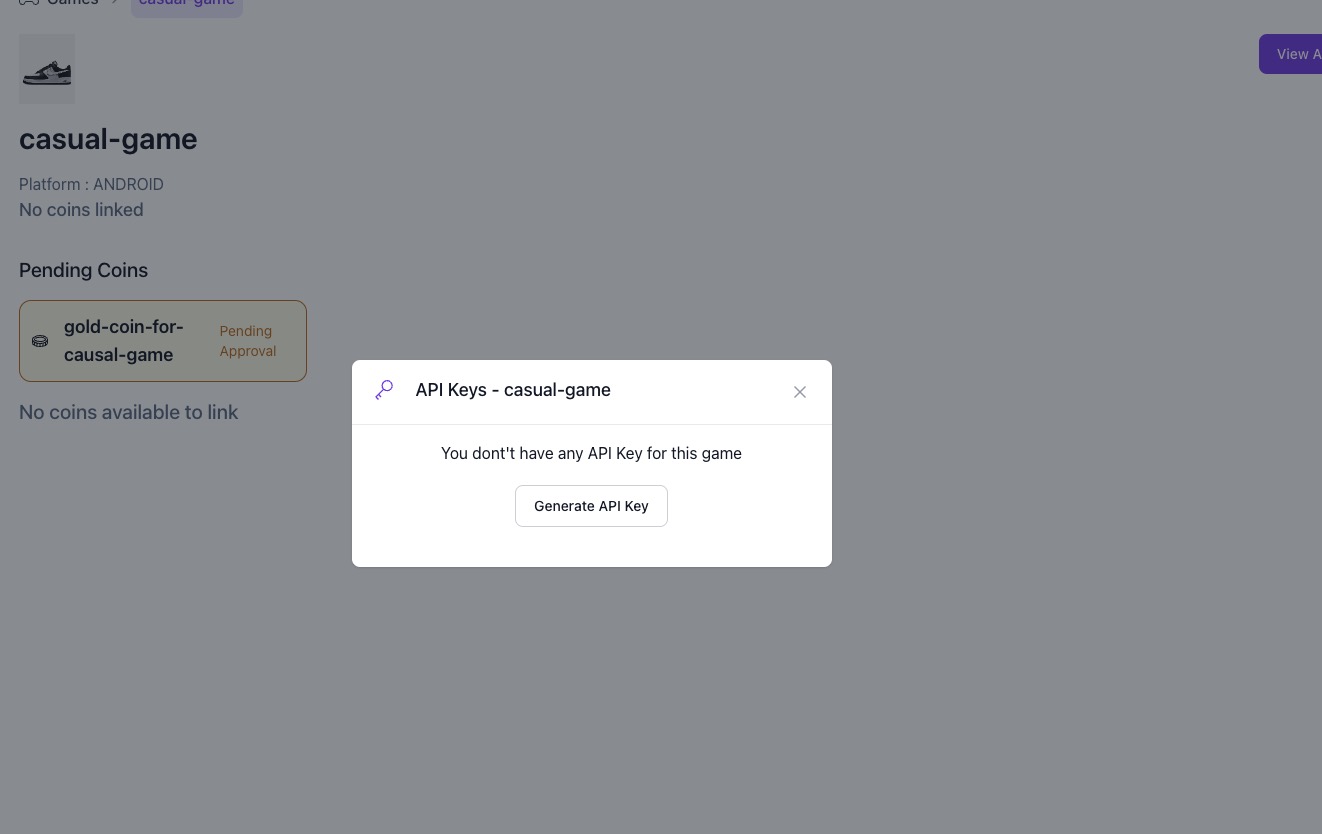
Go to the API section and click Generate API Key. Copy the key and store it securely — this is what authenticates your app with PlaySuper.
Console Setup - Part 1: Getting Started
Watch how to set up the PlaySuper console for your organization
Next, set custom prices for rewards in the Reward Pricing guide.